6 min read
How to Export MongoDB Results to JSON, CSV, or Excel
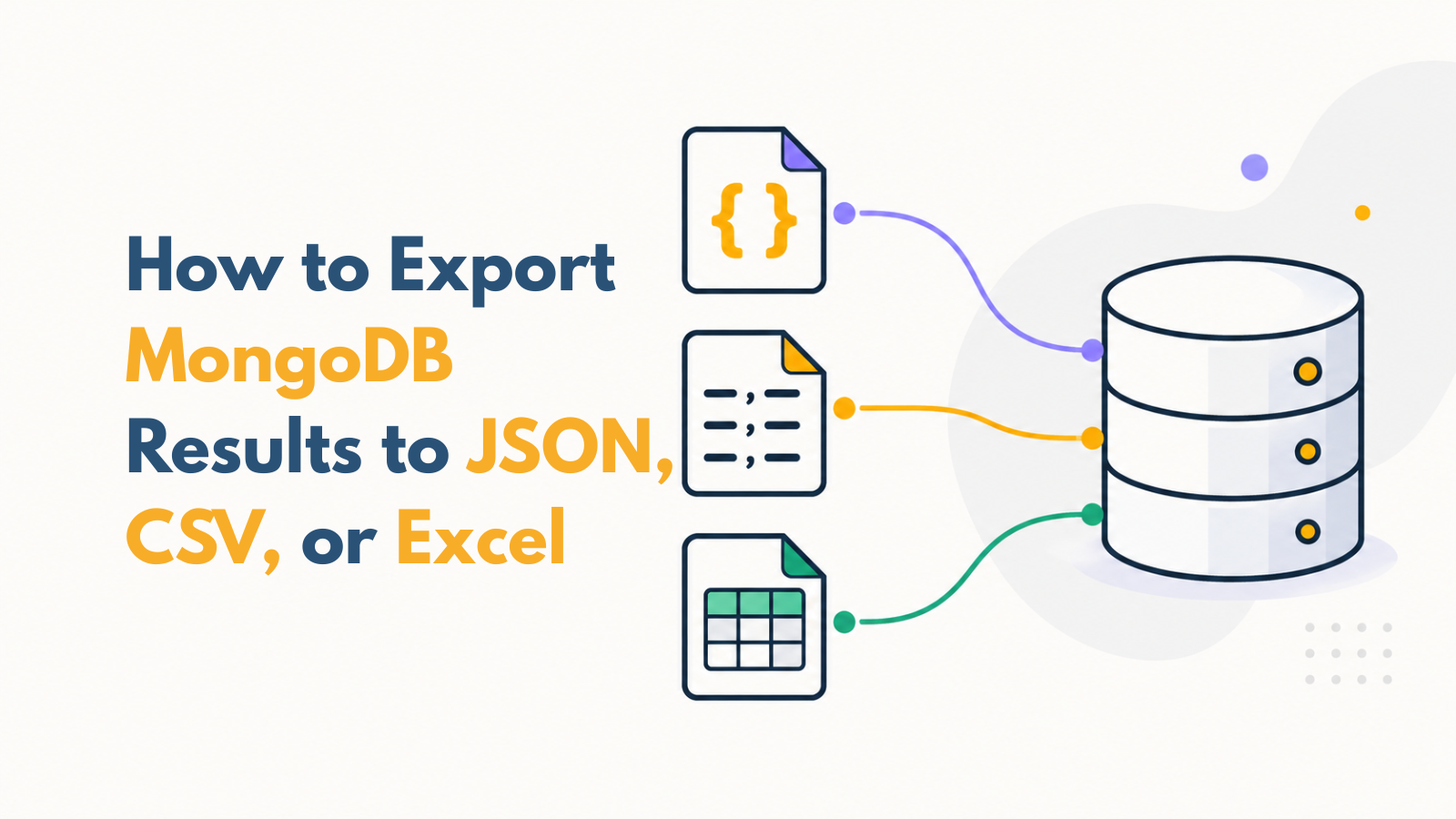
You have found the records you need in MongoDB. Now you need to send them to a colleague, inspect them in a spreadsheet, or use them in another application. Saving a file sounds straightforward. But one choice can change the entire result: are you exporting the full collection, every record that matches your query, or only the page currently displayed? An export can look correct and still leave out most of the records you intended to share. This blog will help you choose the scope, select the fields, save your file, follow its progress, and check the actual output. Along the way, you’ll learn when JSON, CSV, and Excel are useful, and how to avoid a misleading handoff.
Team workflowsRead