MongoQUI Review: The Smarter MongoDB GUI Built for Modern Developers
If you've ever found yourself wrestling with raw shell commands just to inspect a collection or debug an aggregation pipeline, you already know the pain that MongoQUI was built to solve. In a market crowded with aging desktop clients and overly complex IDEs, MongoQUI arrives as a breath of fresh air — a powerful, intuitive MongoDB GUI designed specifically for developers and data analysts who want speed without sacrificing capability.
What Is MongoQUI?
MongoQUI is a next-generation MongoDB database management tool that lets you query, explore, and manage your MongoDB collections through a clean visual interface — no shell expertise required. Whether you're connecting to a local instance, a replica set, or a MongoDB Atlas cluster in the cloud, MongoQUI gives you a single, unified workspace to get things done.
Its core promise is simple: boost productivity. Write queries faster, explore deeply nested documents without confusion, and collaborate with your team — all from one place.
Why MongoQUI Stands Out in 2026
The MongoDB GUI landscape includes some established names. Here's how MongoQUI compares:
vs. MongoDB Compass — Compass is great for schema exploration and performance tuning, but it's a desktop-only application with limited collaboration features. MongoQUI is built with team workflows in mind from day one.
vs. Studio 3T — Studio 3T is powerful but targets data engineers and enterprise use cases, and its pricing reflects that. MongoQUI offers a more accessible, developer-first experience without the steep learning curve or cost.
vs. NoSQLBooster — NoSQLBooster is a cross-platform IDE with advanced features like SQL querying and script debugging, but its interface can feel overwhelming for developers who just want to explore and query data quickly. MongoQUI stays focused and fast.
vs. Robo 3T / Studio 3T Community Edition — Robo 3T is no longer under active feature development and primarily supports older MongoDB versions, making it a poor long-term bet. MongoQUI is actively maintained and built for MongoDB 6.x, 7.x, and 8.x.
Key Features to Know
Visual Query Builder — Construct complex MongoDB queries without memorizing every operator. Great for teams that include non-DBA developers or data analysts.
Document Explorer — Navigate nested arrays and embedded objects with ease, in Tree, Table, or JSON view modes.
Collaboration Tools — Share queries and insights with teammates, keeping developers and analysts aligned.
MongoDB Atlas Support — Connect to cloud-hosted clusters just as easily as local instances.
Aggregation Pipeline Editor — Build and debug multi-stage pipelines visually, stage by stage.
Fast & Lightweight — No heavy IDE overhead. Launches quickly and stays responsive even with large collections.
Who Should Use MongoQUI?
MongoQUI is ideal for:
Backend developers building or maintaining Node.js, Python, or Java applications on top of MongoDB
Data analysts who need quick access to production or staging data without learning the Mongo shell
DevOps and DBAs managing multiple MongoDB environments
Startups and small teams looking for a capable tool without an enterprise price tag
The Bottom Line
The MongoDB GUI market has long been dominated by tools that are either too basic (Compass for solo exploration) or too complex and expensive (Studio 3T for enterprise teams). MongoQUI fills that gap — offering a modern, collaborative, and developer-friendly MongoDB client that works the way you actually work.
If you're tired of context-switching between the shell, Compass, and a dozen browser tabs, MongoQUI is worth a serious look.
👉 Try MongoQUI at mongoqui.com and see how much faster your MongoDB workflow can be.
Related posts.

How to Build a Better MongoDB Report With AI Suggestions in MongoQUI
Your product team asks a simple question: which categories have the highest average rating? The data is available, but turning it into a useful report takes several decisions. You need to choose the right dataset, define the average, build the query, and present the result clearly enough for someone else to use. MongoQUI’s AI Suggestions can help you get started. They give you proposed report blocks and queries to review, so you can spend more time checking the answer and improving the report.
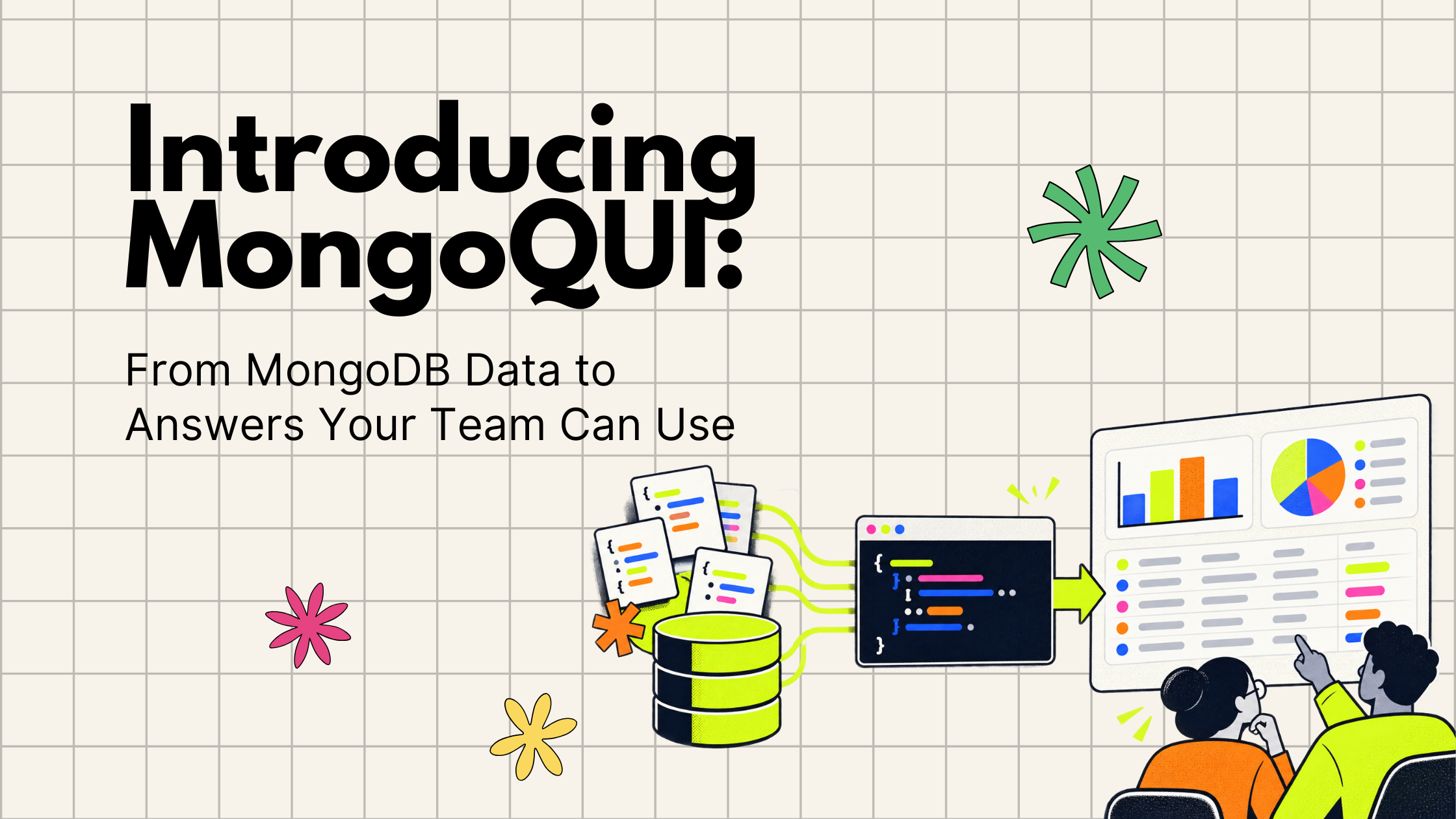
Introducing MongoQUI: From MongoDB Data to Answers Your Team Can Use
From exploring MongoDB documents to sharing an answer your team can use. “Which orders still need attention?” The answer is in MongoDB. Getting it into your team’s hands is where the work begins. Someone needs to inspect the records, write the query, check what the numbers mean, and turn the results into something another person can act on. A straightforward question becomes a chain of exports, spreadsheets, and follow-up messages. When someone asks for updated numbers, that chain starts again. We built MongoQUI to make that journey easier: from understanding your MongoDB data to sharing an answer your team can use again. MongoQUI is a MongoDB GUI and workspace that brings database exploration, visual query building, aggregation pipelines, and reporting together. You can investigate a question, build the logic behind the answer, and turn the results into a report within the same workspace. It is built for developers who work with MongoDB, analysts who need to understand its document
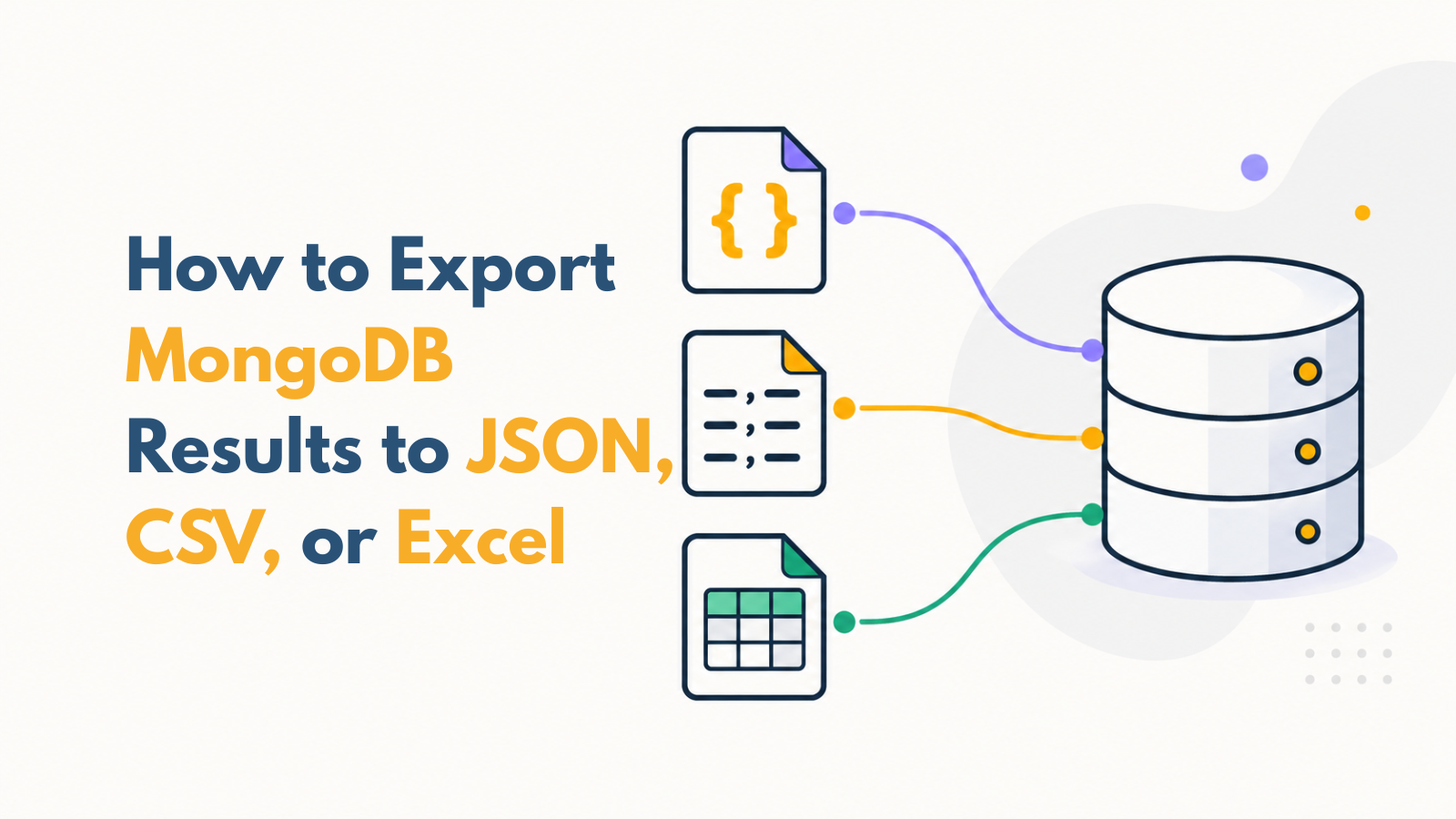
How to Export MongoDB Results to JSON, CSV, or Excel
You have found the records you need in MongoDB. Now you need to send them to a colleague, inspect them in a spreadsheet, or use them in another application. Saving a file sounds straightforward. But one choice can change the entire result: are you exporting the full collection, every record that matches your query, or only the page currently displayed? An export can look correct and still leave out most of the records you intended to share. This blog will help you choose the scope, select the fields, save your file, follow its progress, and check the actual output. Along the way, you’ll learn when JSON, CSV, and Excel are useful, and how to avoid a misleading handoff.
Get shipping updates once a month.
A monthly digest of what shipped, what’s coming, and one long-form post we loved. Unsubscribe in one click.
By subscribing you agree to receive monthly updates from MongoQUI. See our Privacy Policy.